Key Features of Blinkit for Sellers
Selling online has become easier than ever, and quick commerce platforms are leading the change. Blinkit allows sellers to reach […]
Key Features of Blinkit for Sellers Read More »

Selling online has become easier than ever, and quick commerce platforms are leading the change. Blinkit allows sellers to reach […]
Key Features of Blinkit for Sellers Read More »
Bangalore, often called the Silicon Valley of India, is a city buzzing with tech-savvy consumers and a fast-paced lifestyle. With
Blinkit Onboarding in Bangalore: Boosting Vendor Success with Beta Digital Services Read More »
If you’re a vendor in Surat, you’ve probably heard the buzz around Blinkit—India’s leading instant grocery delivery platform that’s transforming
Blinkit Onboarding in Surat: Simplifying Success for Vendors with Beta Digital Services Read More »

Jaipur: A City of Heritage Shopping Jaipur’s Pink City is famous worldwide for its vibrant bazaars — from Johari Bazaar’s
How Blinkit is Modernizing Shopping in Jaipur’s Pink City! Read More »
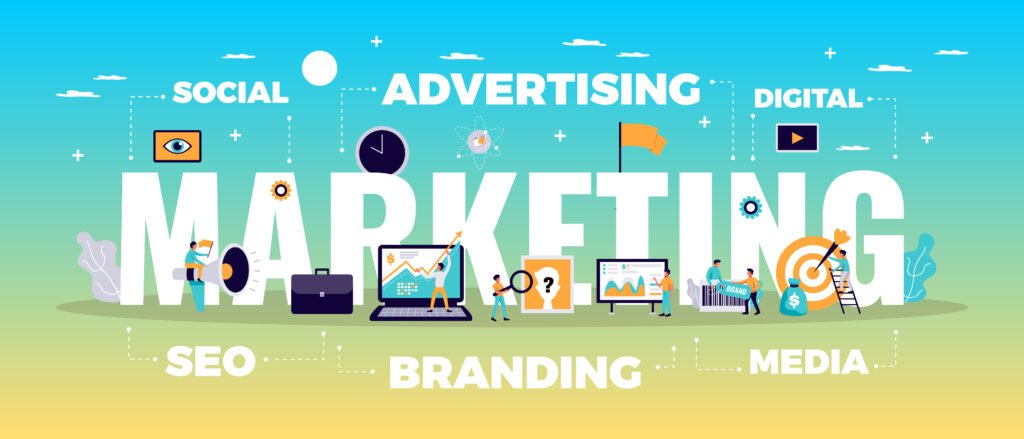
In today’s digital-first world, social media marketing is no longer optional — it’s essential. Whether you run a small business,
Best Social Media Marketing Agency in Jaipur – Beta Digital Services Read More »
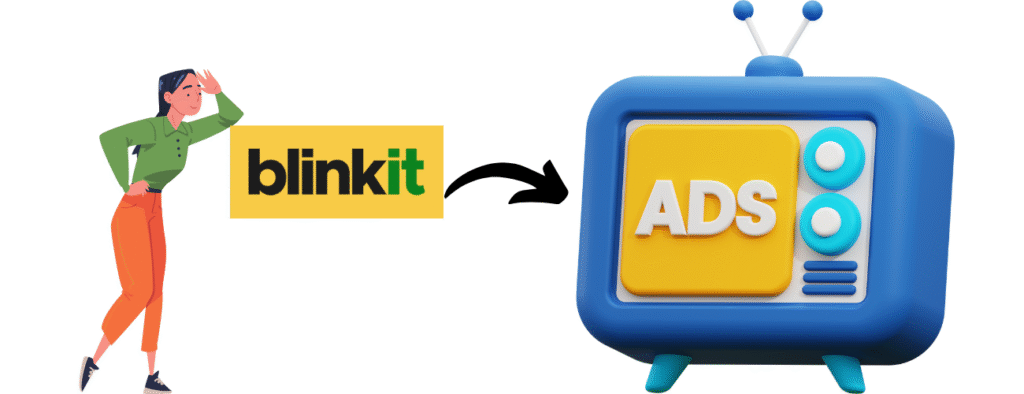
Effective advertising is essential for driving sales and increasing brand visibility. Blinkit, a leading platform for quick commerce, offers a variety of advertising options to help sellers reach their target audience. At Beta Digital Services, we are dedicated to helping you navigate the intricacies of advertising on Blinkit. This blog will provide a detailed overview of how to leverage ads on Blinkit, covering everything from ad creation to performance tracking.
Ads on Blinkit : A perfect guide Read More »
The first step in your advertising journey is understanding how to create ads on Blinkit. To get started, log in to your Blinkit seller account and navigate to the advertising section. Here, you can choose from various ad formats, including sponsored ads and promotional campaigns. Select the type of ad that aligns with your marketing goals and follow the prompts to set it up.
How to Manage Ads on Blinkit Read More »
The first step in your journey to sell mobile phones on Amazon is to set up your seller account. The Amazon seller account setup for mobile phones involves registering on the Amazon Seller Central platform, where you will provide your business information, bank details, and tax information. Ensure that you choose the right selling plan—either Individual or Professional—based on your expected sales volume.
How to Sell Mobile Phones on Amazon Read More »
To start your journey as a seller, the first step is the Amazon seller registration process. This involves creating an account on the platform, where you will provide essential information about your business, including your name, contact details, and also payment information. Completing this registration is crucial for gaining access to the seller dashboard and other resources.
How to Sell on Amazon: Guide by Beta Digital Services Read More »